


 Home
 XBD
 Oct 15,2026

A thermal paper printing machine forms an image by applying controlled heat to compatible media while moving it past the printhead.
The Image Starts With A Heat-Sensitive Surface
The familiar receipt emerges from a coordinated interaction between a printhead, a moving strip of paper and a surface designed to respond to heat. The device receives a digital layout, turns that layout into a pattern of heated points, and advances the paper so successive rows become text, lines or a barcode. Paper transport and image formation happen together.
The Printhead Selects Points Across The Paper
A thermal printhead contains a line of small heating elements. The controller energizes selected elements as the media passes them. A character is therefore assembled from many small marks, rather than stamped onto the paper as a complete letter. The arrangement explains why the same device can print different text and graphics without changing a physical printing plate.
In direct thermal printing, the image develops in the heat-sensitive coating itself. No ink ribbon is required for that process. This basic distinction is described in Zebra's technical material. It should not be expanded into a claim that every paper-like material will work: the surface response and the printer's supported media must match.
Paper Movement Builds The Image In The Other Direction
The printhead addresses one direction across the web, while the feed mechanism controls movement along its length. If the media advances unevenly, a digitally correct layout can still become distorted on paper. This is why image quality cannot be understood by looking only at the file on a computer screen. The physical path is part of the imaging process.
Heat Can Act On Paper Or On A Ribbon
Two processes often share the word thermal while forming the image differently. Direct thermal printing develops a responsive coating. Thermal transfer uses heat to move material from a ribbon onto compatible media. Identifying the process is the first step in understanding what consumables belong in the machine.
A Ribbon Changes The Consumable Relationship
With a ribbon-based process, the media and ribbon form a matched combination. A roll that physically fits the holder is not automatically suitable for the intended ribbon or use. With a direct process, the coating is the active imaging layer. Confusing these relationships can lead to an order that specifies a roll size but omits the property that makes printing possible.
Zebra's explanation distinguishes these mechanisms and notes that direct thermal images can be affected by environmental exposure. The appropriate takeaway is to match the printing method to the information's intended life and conditions. It is not a universal ranking of one method above the other, and it does not establish a storage-life guarantee for an unspecified paper grade.
| Concept | What It Describes | What Must Be Matched | What It Does Not Prove |
|---|---|---|---|
| Direct thermal process | Heat develops the media coating | Responsive media and supported printer settings | That any roll with the same dimensions will print correctly |
| Ribbon-based process | Heat transfers ribbon material to the surface | Printer, ribbon and receiving media | That a ribbon can be added to any receipt printer |
| Resolution | Addressable detail in the printing system | Layout, barcode dimensions and model capability | That a dense design remains readable after unsuitable scaling |
| Feed control | Movement and positioning along the web | Media path, sensing method and format | That a correctly sized file will align without setup |
| Paper conversion | Preparing larger paper stock into usable formats | Finished roll or label requirements | That the converting machine prints a checkout receipt |
The site’s paper articles provide related reading. These distinctions help organize a conversation about media compatibility. They are conceptual boundaries, not specifications for a machine sold by the host site. The current site catalogue provides paper and label context; it does not establish a verified printer model offered for sale.
A Receipt Printer And A Paper Converting Line Do Different Jobs
The phrase thermal paper printing machine can refer to different equipment in casual conversation. A checkout printer creates transaction information on a finished roll. A converting line may slit, rewind or otherwise prepare paper stock into a format used by another machine. The name alone is too broad to identify the operation.
Follow The Input And Output To Identify The Equipment
Ask what enters the machine and what leaves it. If a finished roll enters and a printed receipt leaves, the operation is point-of-use printing. If a wider web enters and narrower rolls leave, the operation concerns conversion. Other equipment can apply preprinted designs or perform additional finishing. Each activity should be named from its actual function.
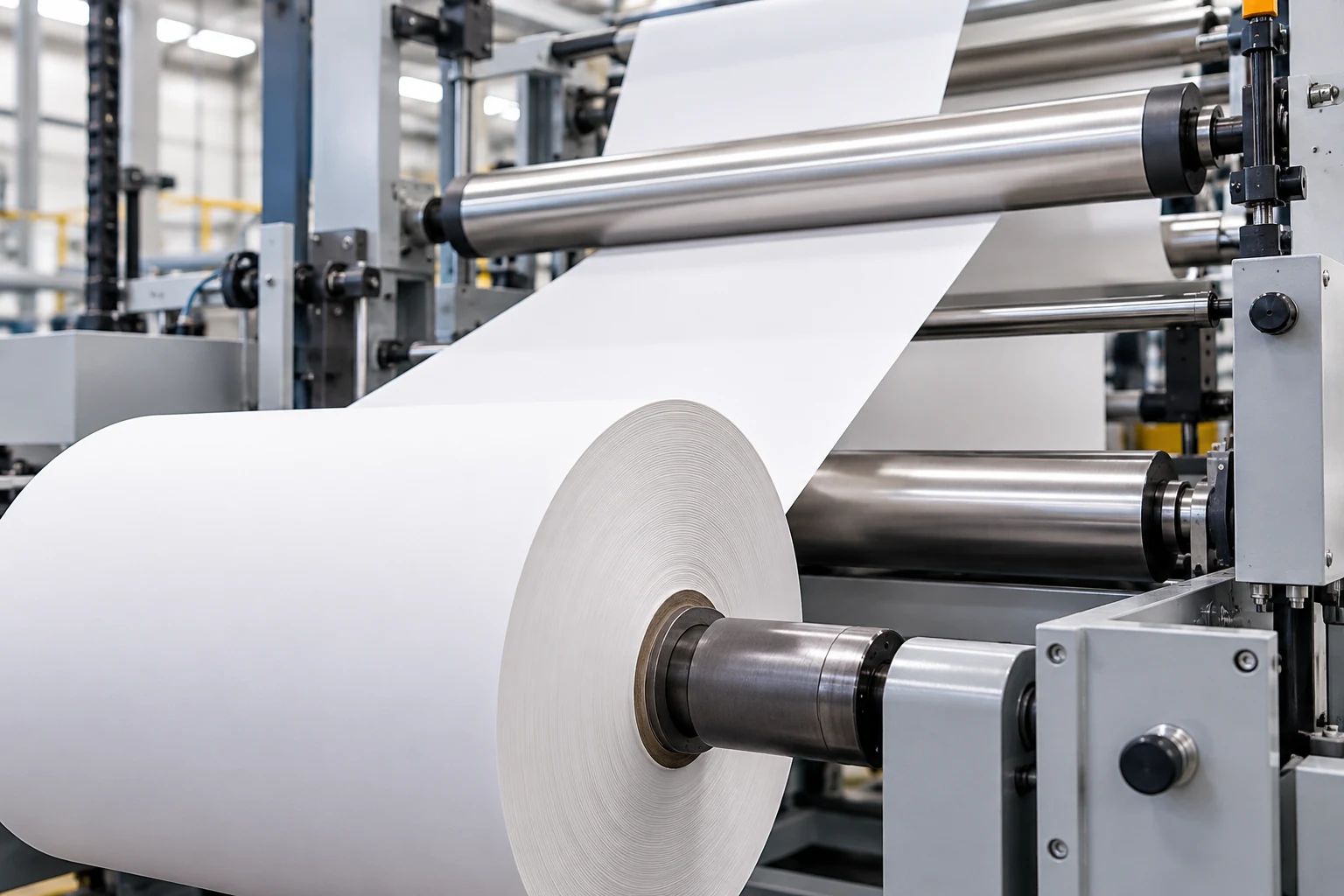
The factory information is useful for examining the paper-supply context. It should not be treated as proof that the company manufactures the printer used at a checkout. Likewise, a picture of a store using receipts shows an application, not ownership of the equipment technology or a verified machine offering.
Physical Fit Is Only One Part Of Media Compatibility
A roll must fit the mechanism, present the intended surface to the printhead and support the machine's method of locating the print area. The holder and cover define only part of the relationship. A visually similar roll can differ in coating, format, winding or sensing features that matter to the device.
Distinguish Continuous Paper From Defined Print Areas
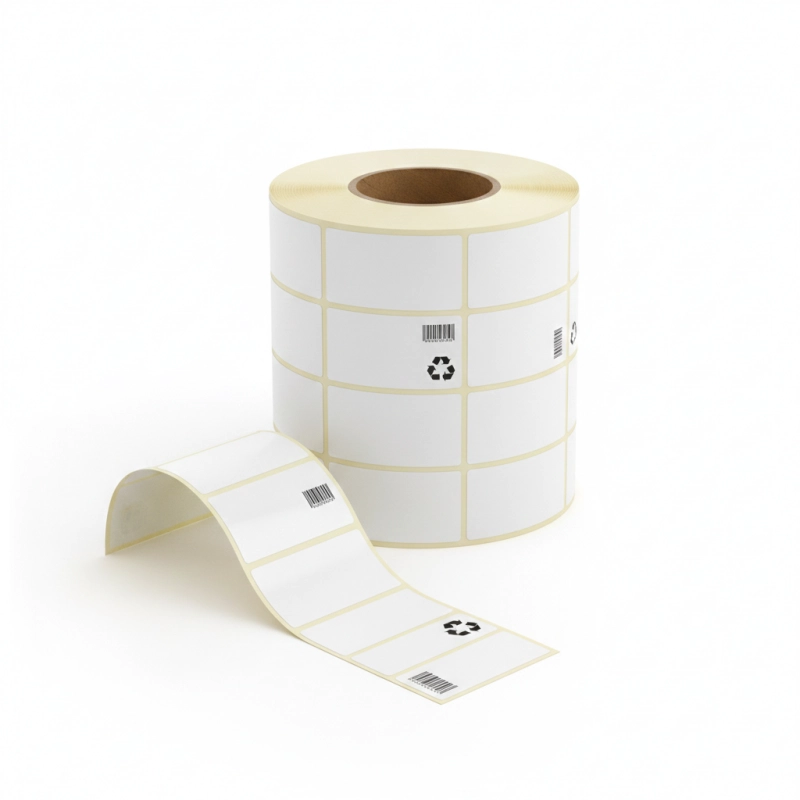
Continuous receipt stock provides a length of paper on which the layout determines the printed area. Labels or tickets may have gaps, marks or other features that help the printer locate individual units. Zebra's media documentation describes these different media forms. The exact sensing options and dimensions remain model-specific and should not be generalized from one manual.
An uninterrupted strip and a sequence of labels therefore need different setup assumptions. A layout that appears correct on screen might start in the wrong position if the machine expects a sensing feature that the loaded media does not provide. Understanding the format makes that mismatch easier to recognize without assuming a hardware defect.
Keep Width, Roll Size And Surface Orientation Separate
Paper width, outside roll diameter and core dimensions answer different fit questions. The width relates to the media path and usable print area. The outside diameter affects the space required by a full roll. The core relates to the holder or winding arrangement. One matching dimension does not establish that the others are suitable.
The coated side must also face the intended imaging surface in a direct process. Loading instructions should come from the actual printer documentation. An illustration of a roll cannot reliably establish its winding convention, and a generic loading habit should not override the model's instructions. Media compatibility is a relationship between the complete consumable and the complete device.
The site's supermarket application page provides a practical setting for these questions. At a checkout, the relevant outcome includes readable information, appropriate feed and a usable receipt. The application context does not supply missing model details or justify assuming that all terminals use the same roll format.
The Digital Layout Still Determines What Must Be Read
The printer can reproduce only the information it receives within the limits of its supported layout and media. A technically functioning mechanism does not correct an unsuitable font size, an overcrowded barcode or a field omitted by the application. Image formation and information design are connected, but they should be evaluated separately.
Check The Printed Task Instead Of Darkness Alone
A darker mark is not automatically a better result. The meaningful question is whether the intended text, symbol or barcode remains distinguishable at its actual printed size. Excessively dense graphics, narrow spaces or inappropriate scaling can undermine readability even when the paper shows a strong black image. The print task defines the useful evaluation.
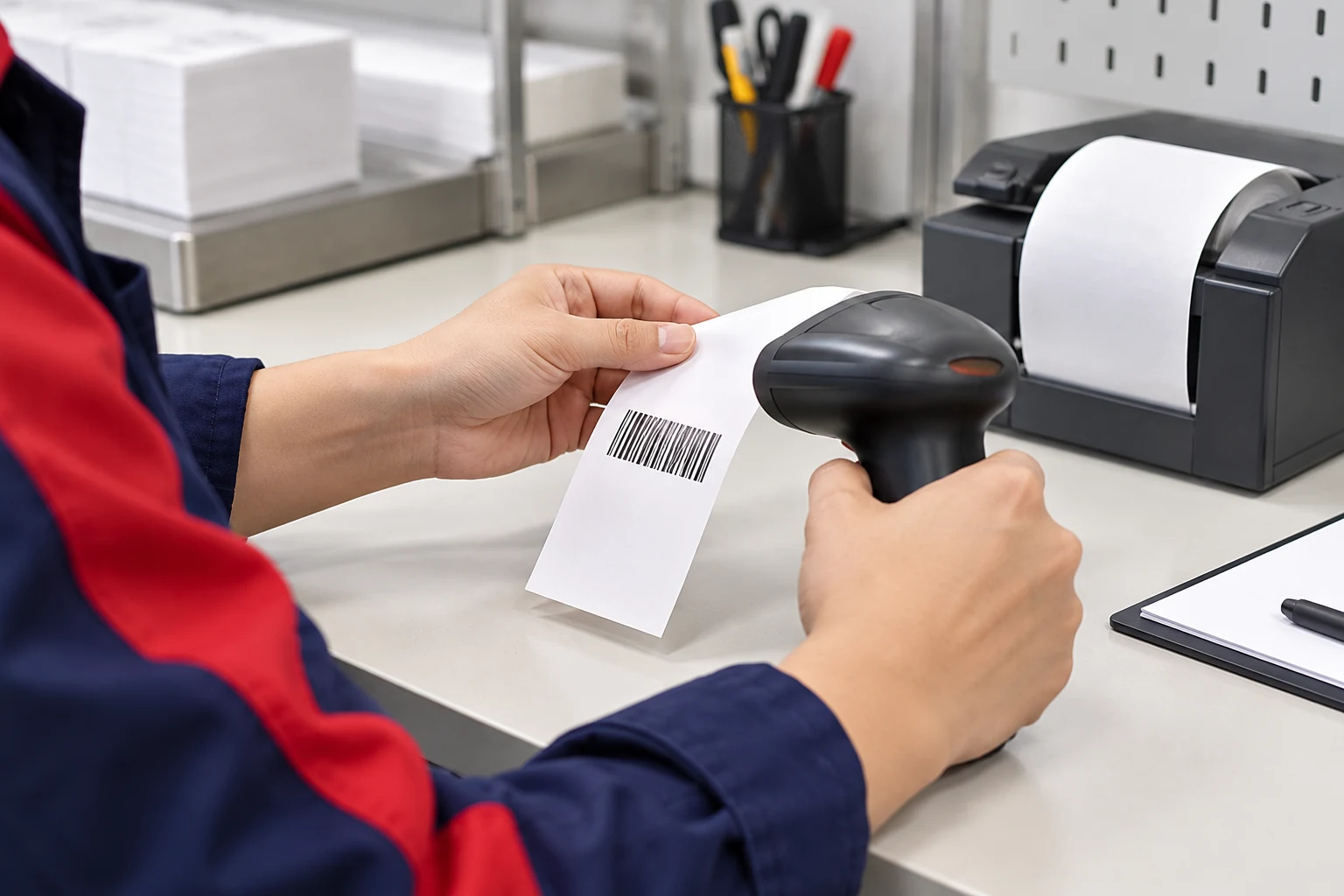
For a receipt, that may mean checking the required transaction fields and the way they wrap across lines. For a label, it may mean confirming that the identifier and surrounding space remain intact. These are examples of inspection objectives, not claims that a particular barcode in an illustration has been tested or will meet a specified grading requirement.
A readable image depends on the file, the machine, the media and the conditions in which the output is used. One successful print does not establish every part of that relationship.
The Image Continues To Matter After Printing
Unused stock and completed documents encounter different conditions. A stored roll must remain suitable for future printing, while a receipt must preserve useful information for its intended period. Heat, light, abrasion and contact conditions can affect direct thermal output, but the effect depends on the actual material and exposure.
Separate Stock Storage From Record Retention
Storage instructions for an unopened carton are not the same as a promise about a receipt kept in a wallet, vehicle or workplace. Ask which conditions a stated recommendation covers. A retention requirement may also involve the business process for keeping a copy of the information, rather than relying entirely on the original paper remaining readable.
The company profile can establish the paper supplier's stated scope, while the relevant product information and printer manual should guide the consumable discussion. Neither a general company description nor a warehouse image supplies an unconditional image-life claim. Specific requirements need material-specific evidence.

Handling also affects whether a document is useful. A readable shipping label applied to the wrong carton still contains the wrong association. A clear receipt with a missing transaction field still fails its information task. Checking physical print quality should therefore be accompanied by a check that the printed content belongs to the intended item or transaction.

Frequently Asked Questions
Does Every Thermal Printer Need A Ribbon?
No. Direct thermal printing develops a heat-sensitive coating without a ribbon. Thermal transfer uses a ribbon and a compatible receiving surface. The device's supported process must be identified before selecting consumables.
Why Can A Roll Fit But Still Be Unsuitable?
Physical dimensions are only part of the specification. The surface, format, winding and sensing features must also suit the printer and task. Matching one dimension does not establish the full relationship.
Does A Paper Factory Photograph Show A Printer Manufacturer?
No. It may show paper conversion, packing or another operation. The activity should be identified from verified information about its input, output and function, rather than inferred from the presence of machinery.
Can A Sample Barcode Image Prove Scan Performance?
No. An illustration explains the activity but is not a measured result. Performance needs assessment of the actual printed sample with the relevant equipment, layout and acceptance criteria.
Is A Darker Receipt Always Easier To Read?
Not necessarily. Useful readability depends on distinct characters, preserved spaces and a suitable layout, as well as image density. The objective is a clear and correct information task, not maximum darkness.
A thermal paper printing machine is best understood as a coordinated imaging and transport system. Identifying its process, matching its documented media requirements and checking the real printed task explains more than treating heat, paper or machine settings as an isolated cause.
 You May Also Like