


 Home
 XBD
 Oct 24,2026

The phrase paper thermal printer usually means a printer that forms receipts by heating a coated paper surface instead of applying liquid ink.
The paper is therefore an active part of the imaging system. A roll can look clean, fit into a compartment and still be unsuitable if its coating faces away from the head or its response differs from the approved grade. Understanding the mechanism helps separate a printer fault from a media mismatch without treating every dark mark as evidence of acceptable printing. This explanation concerns continuous direct thermal receipt media; adhesive label stock and ribbon-based printing need their own compatibility checks.
Heat Creates the Image Where the Coating Meets the Head
A direct thermal receipt is made when controlled heating changes the appearance of the paper's responsive coating. No ink cartridge supplies the black image. The head, paper surface and transport mechanism must work together, so changing a roll can change output even when the digital receipt file stays identical.
The Thermal Printhead Forms a Line of Controlled Dots
The thermal printhead contains small heating elements distributed across the printing width. As paper moves past, the printer energizes selected elements to build characters, rules and graphics. The paper must contact the head consistently while the feed mechanism advances it. This explains why a torn edge, poorly seated roll or contaminated contact surface can affect an otherwise correct file. The device manufacturer's loading and cleaning instructions remain the proper reference for a particular mechanism.
A Coated Surface Is Different From an Ink Ribbon
Thermal transfer equipment also uses heat, but it transfers material from a ribbon onto compatible media. That separate consumable changes both loading and material selection. A machine described only as thermal may support one method or have selectable modes; the model's documentation settles the point. Putting a direct thermal roll in a ribbon-based workflow without checking the configuration can lead to incorrect conclusions about which component failed.
The phrase paper thermal printer is consequently a useful starting query, not a complete purchase specification. It does not identify the printing method, accepted width, core arrangement or intended lifetime of the printed record. A listing for a receipt roll establishes a consumable format, not the compatibility of every printer. Keeping the equipment identity and paper grade as separate fields makes later checks much easier to interpret.

A Roll Has Several Independent Dimensions
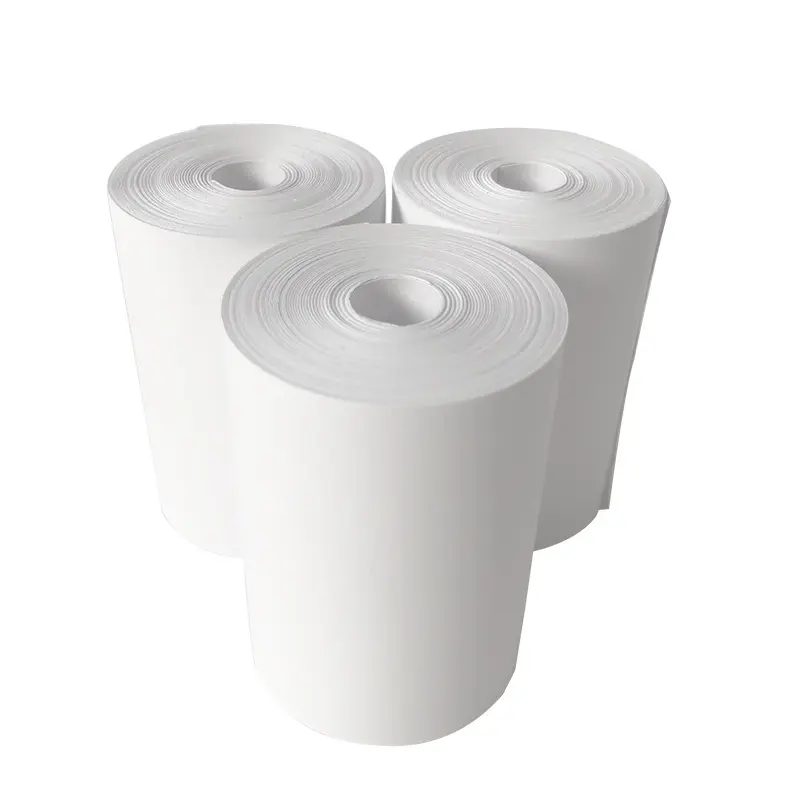
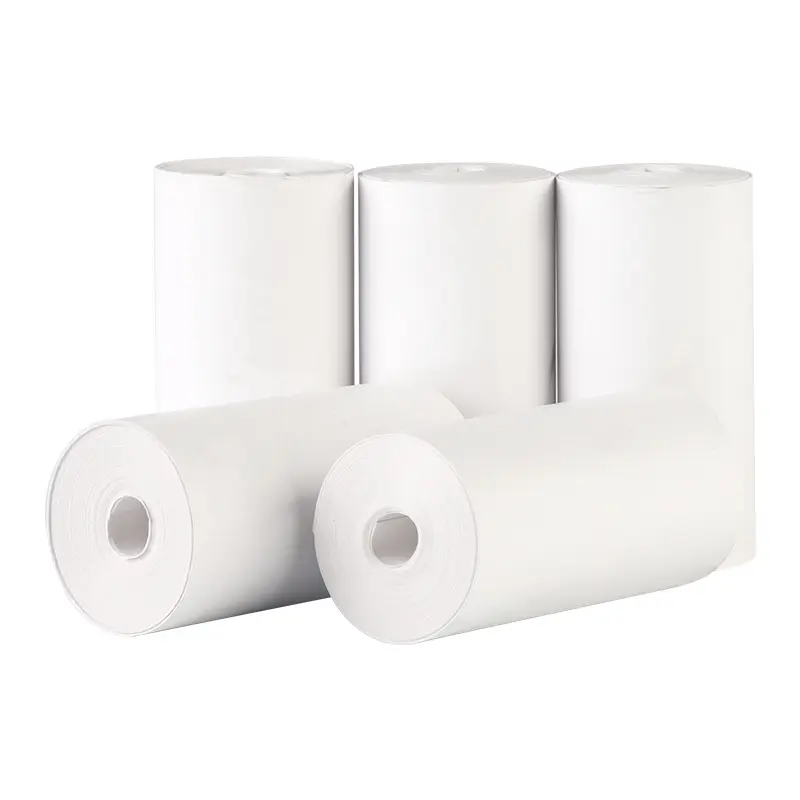
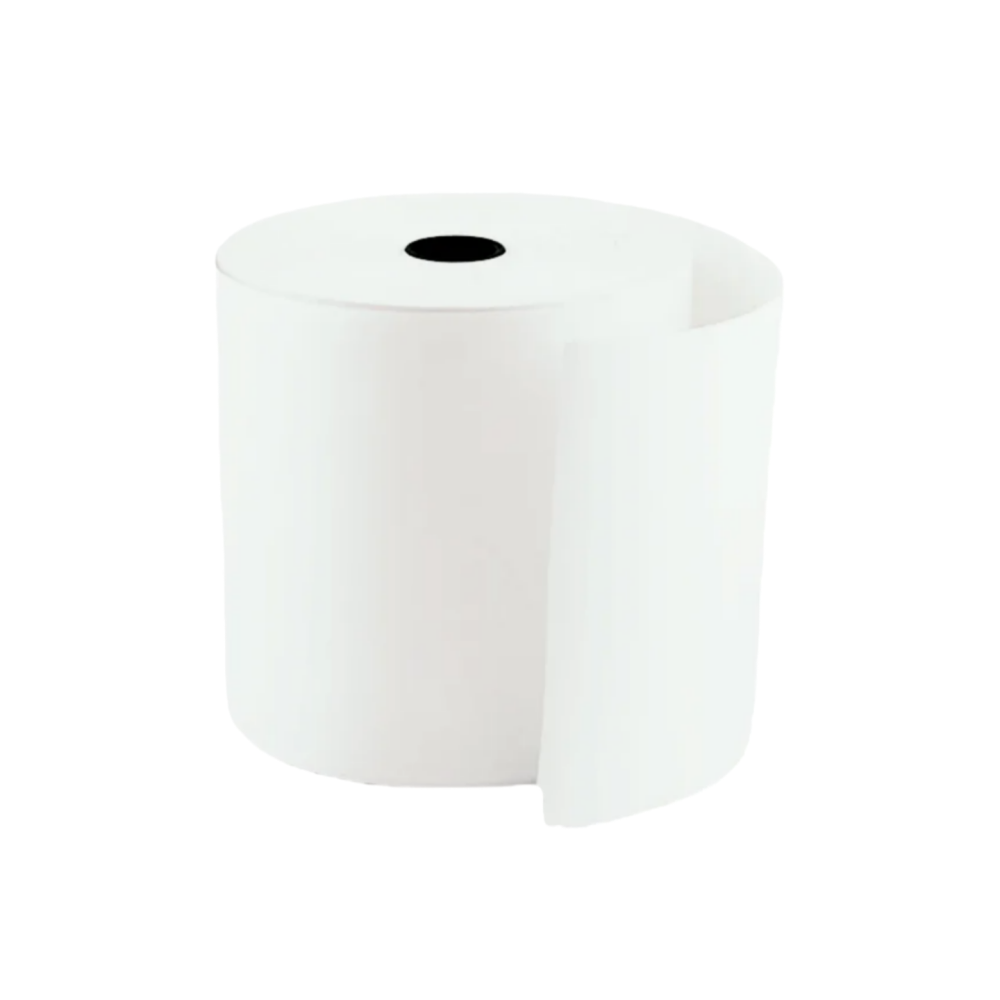
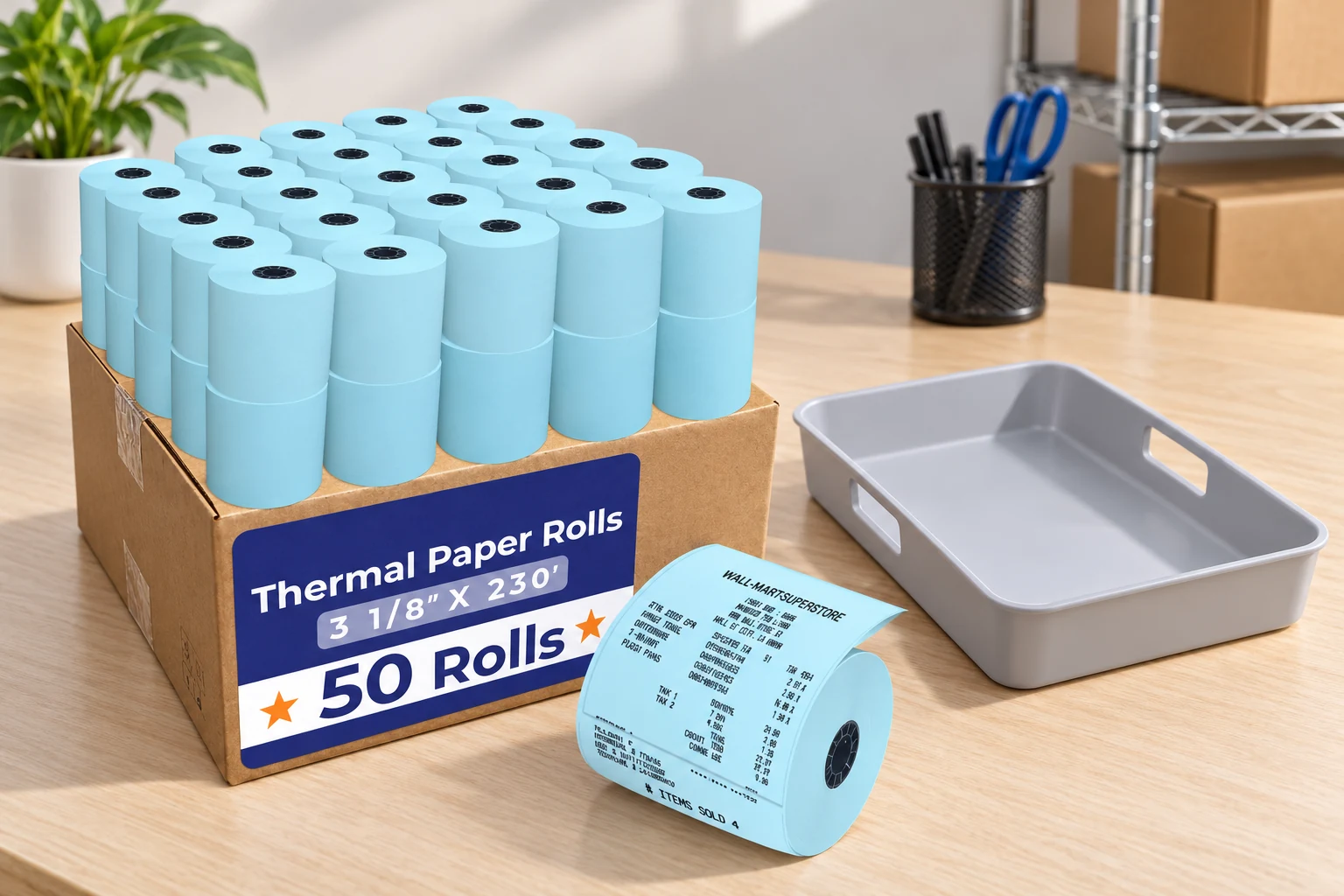
Compatibility involves more than a nominal width. The compartment has limited space, guides constrain the paper path, and the core or winding format affects how the roll sits and turns. The same width can be supplied in multiple lengths, thicknesses and outside diameters, so one number cannot describe all of these properties.
Width and Outside Diameter Answer Different Questions
Width describes the span of the paper across the print path. Outside diameter describes the full roll before use and determines whether it fits inside the compartment. Printable width may be smaller than paper width because the device leaves margins. Increasing a document's print area in software does not enlarge the physical head, and forcing an oversized roll under a cover is not a compatibility solution.
Receipt roll dimensions should be compared against the exact model and its installed guide. For example, official Star TSP100IV specifications list 80 mm or 58 mm paper formats with the appropriate guide and a maximum outside diameter of 83 mm. Those values illustrate how a manufacturer specifies a model; they are not universal requirements for the products discussed here. A different device can have different limits even if its external appearance is similar.
Core, Winding and Thickness Complete the Fit
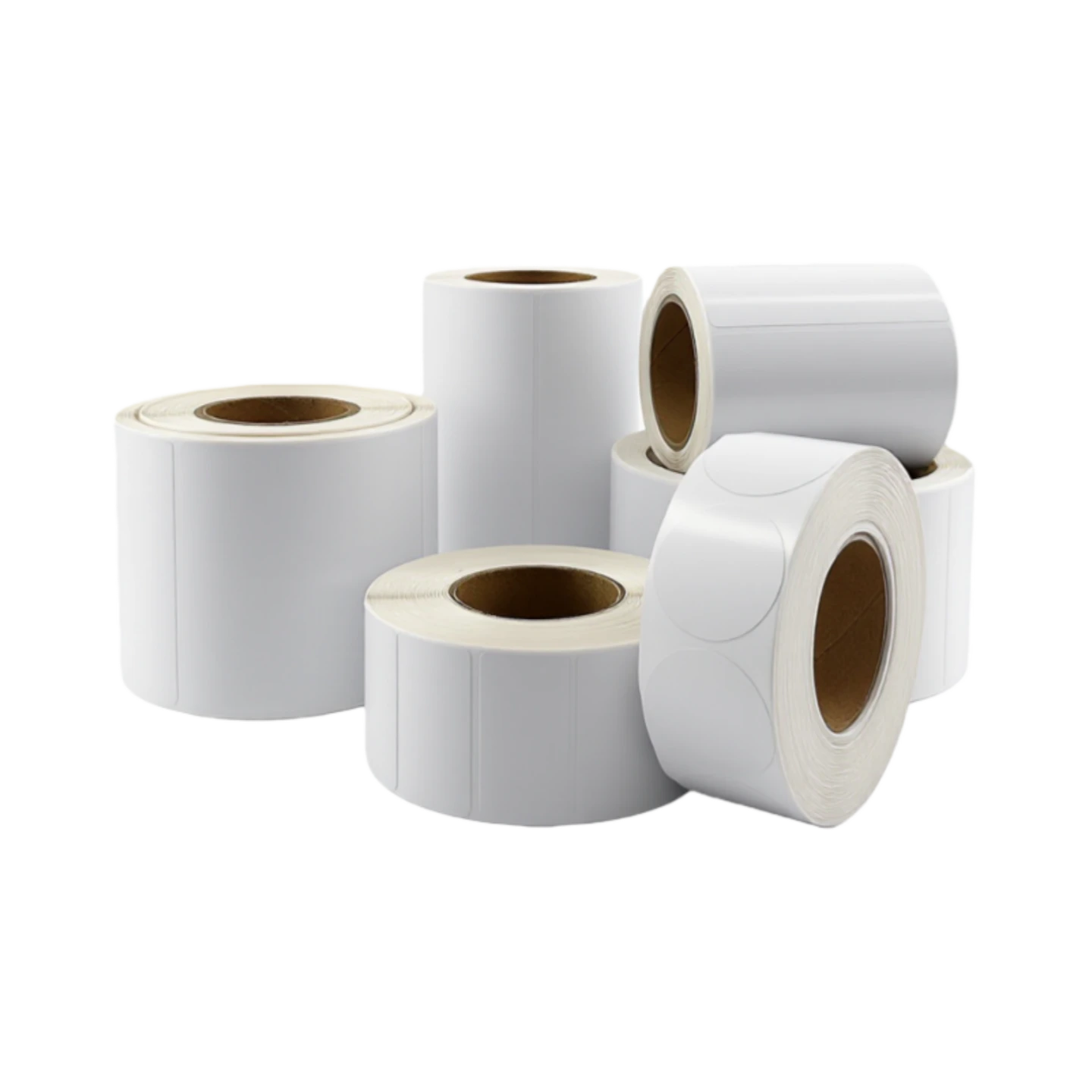
A coreless format and a roll with a tube can require different support arrangements. Winding direction determines which side approaches the head, while thickness affects flexibility and how much paper fits within a given diameter. The site's coreless receipt-paper format is therefore a distinct construction to check, not a universal replacement for every cored roll. Verify the actual offered dimensions instead of inferring them from a product photograph.
| Property | What It Describes | What It Cannot Prove |
|---|---|---|
| Paper width | Cross-feed size accepted by guides and paper path | Usable printed width or image durability |
| Outside diameter | Full-roll size relative to compartment clearance | Length without thickness and core information |
| Core dimensions | Tube or centre geometry and support fit | Compatibility of every spindle-free mechanism |
| Paper thickness | Caliper relevant to feeding and roll build | Coating response or quality from weight alone |
| Winding direction | Which surface reaches the printing head | Correctness of the loaded path without checking it |
Darkness Depends on the Paper and the Printing Conditions
A darker receipt is not automatically a better receipt. Heating, movement and material response influence both character formation and the separation of small details. A useful explanation keeps these variables distinct rather than assuming that increasing one setting fixes every weak image.
Coating Response Changes With the Operating Window
A paper grade's response concerns how it develops an image under defined heat exposure. The thermal printhead delivers that exposure as part of a moving process. An approved combination of grade, speed and density setting provides a meaningful baseline. A sample printed under one combination cannot establish that the same material will perform identically at every setting or on another model.
The site's three-proof coating option describes an offered product family. Such a description is separate from the printer settings and from a measured result on a delivered batch. Extra surface protection may be relevant to handling, but the term alone does not specify every exposure condition, test method or acceptance limit. Different requirements should remain separate questions in the grade documentation.
A Controlled Sample Separates Media From Setup
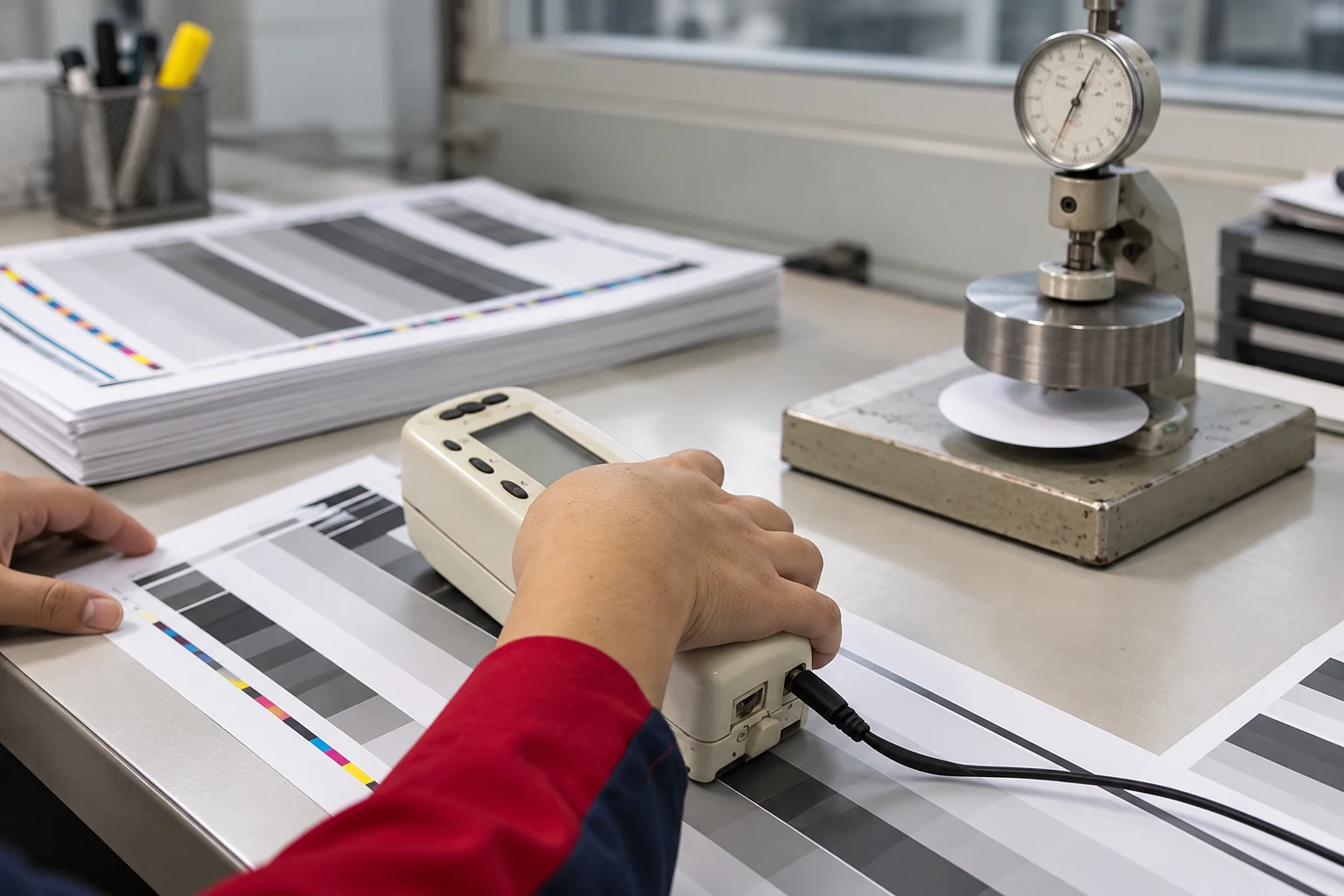
A simple comparison starts with one known printer, an unchanged test file and documented settings. Run the current reference grade and the proposed material under those same conditions before changing speed or density. Note missing dots, uneven density, smudged fine detail and any feed interruption. If both materials show the same localized defect, investigate the device and its cleaning state rather than immediately blaming the new roll.
A thermal printhead is a working component, not a surface to scrape with a hard tool. Follow the model-specific shutdown, cooling and cleaning procedure. Keep a short description of the test conditions beside the printed sample, including the date and grade identity. This does not turn a quick comparison into a laboratory qualification, but it makes the observation reproducible and prevents one attractive receipt from standing in for an unrecorded process.
The Printed Record Still Responds to Its Environment
The imaging layer does not stop being heat-sensitive after the receipt leaves the printer. Storage and handling can affect the background or printed marks, and the conditions before printing also matter. A record's required useful life therefore belongs in the media discussion from the beginning.
Before Loading, Keep the Roll Protected and Identifiable
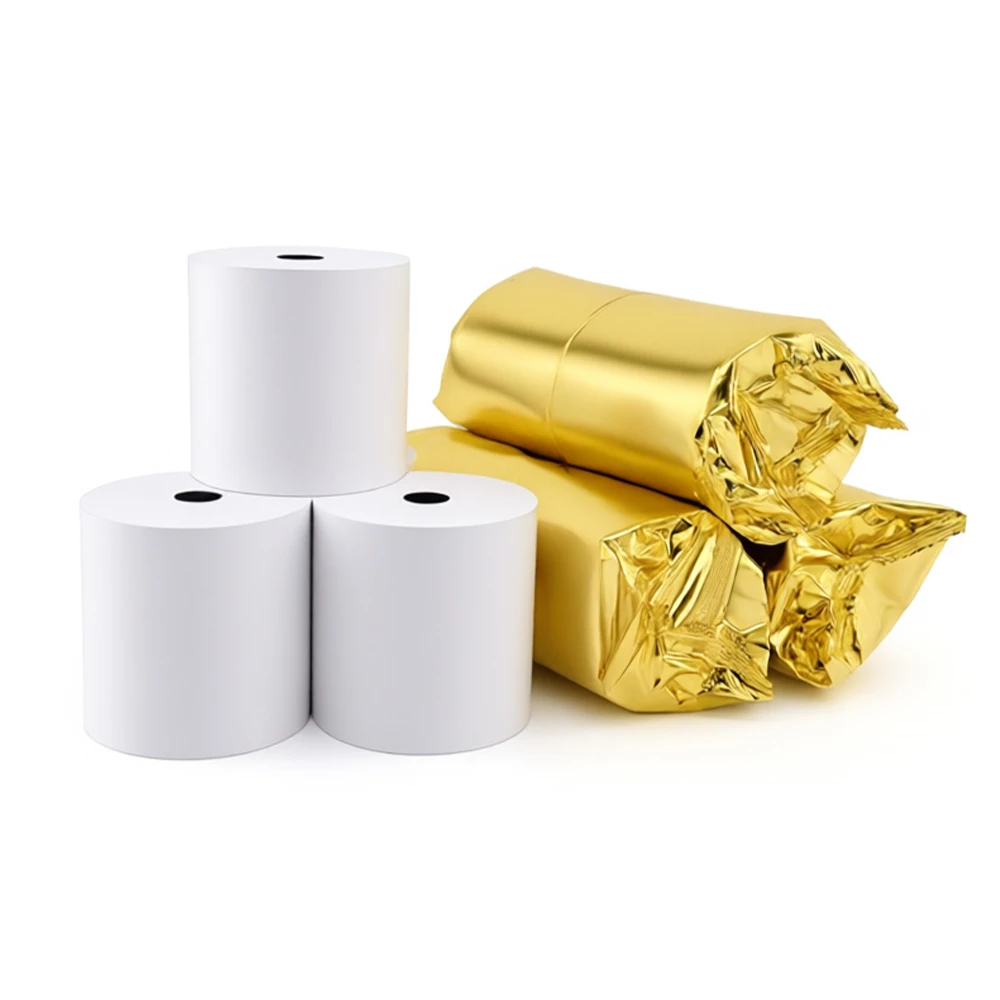
Thermal media storage should keep paper protected from unnecessary heat, direct light, contamination and unsuitable chemical contact. Leave unused stock in its protective wrapping until needed, keep the batch and grade identifiable, and use viable stock in an orderly rotation. A visibly damaged wrapper or a roll left beside a warm appliance deserves inspection before it is treated as representative of normal stock.
The manufacturer's production overview describes converting and customization activities, but it cannot establish the conditions in every subsequent warehouse or vehicle. In a warm, humid distribution route, the question is how packaging and storage instructions protect the material through the actual route. Do not substitute a generic climate label for measured conditions or for the grade maker's stated handling guidance.
After Printing, Separate Readability From Record Retention
A receipt can be readable at issue and later become less useful after prolonged heat, light or chemical exposure. Plasticizers, adhesives and cleaning substances can be relevant to some thermal materials, so storage accessories should follow the paper maker's recommendations. Thermal media storage is especially important when receipts are retained in folders, sleeves or files whose materials have not been checked for compatibility.
Read a Media Description as a Set of Separate Claims
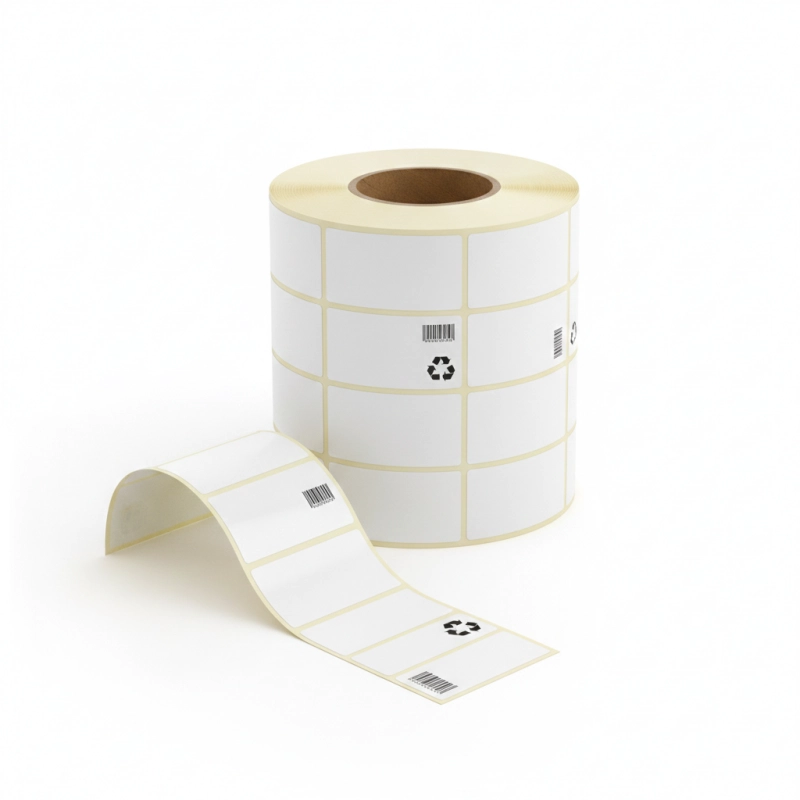
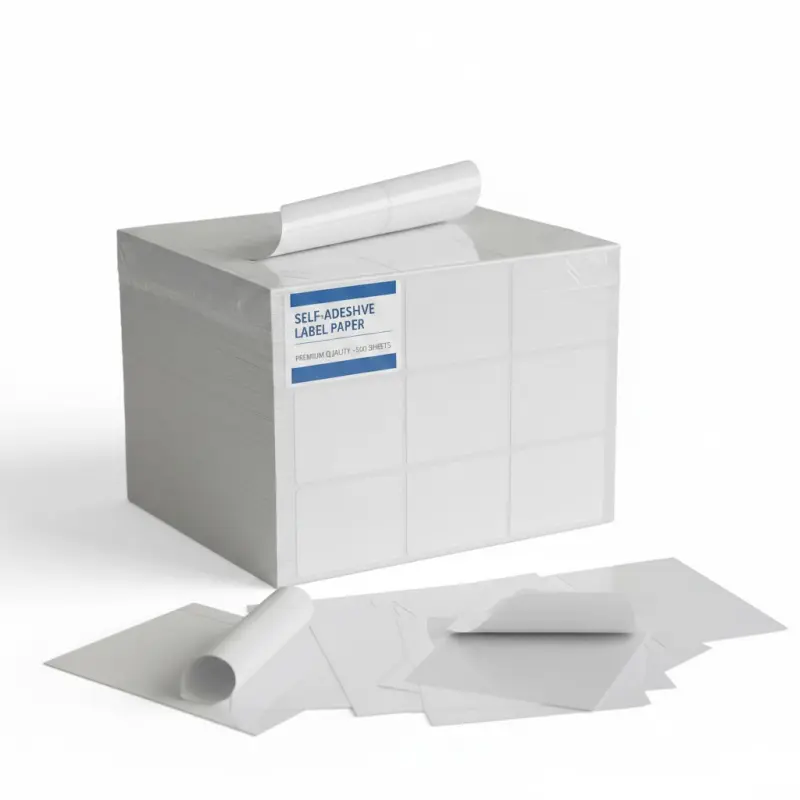
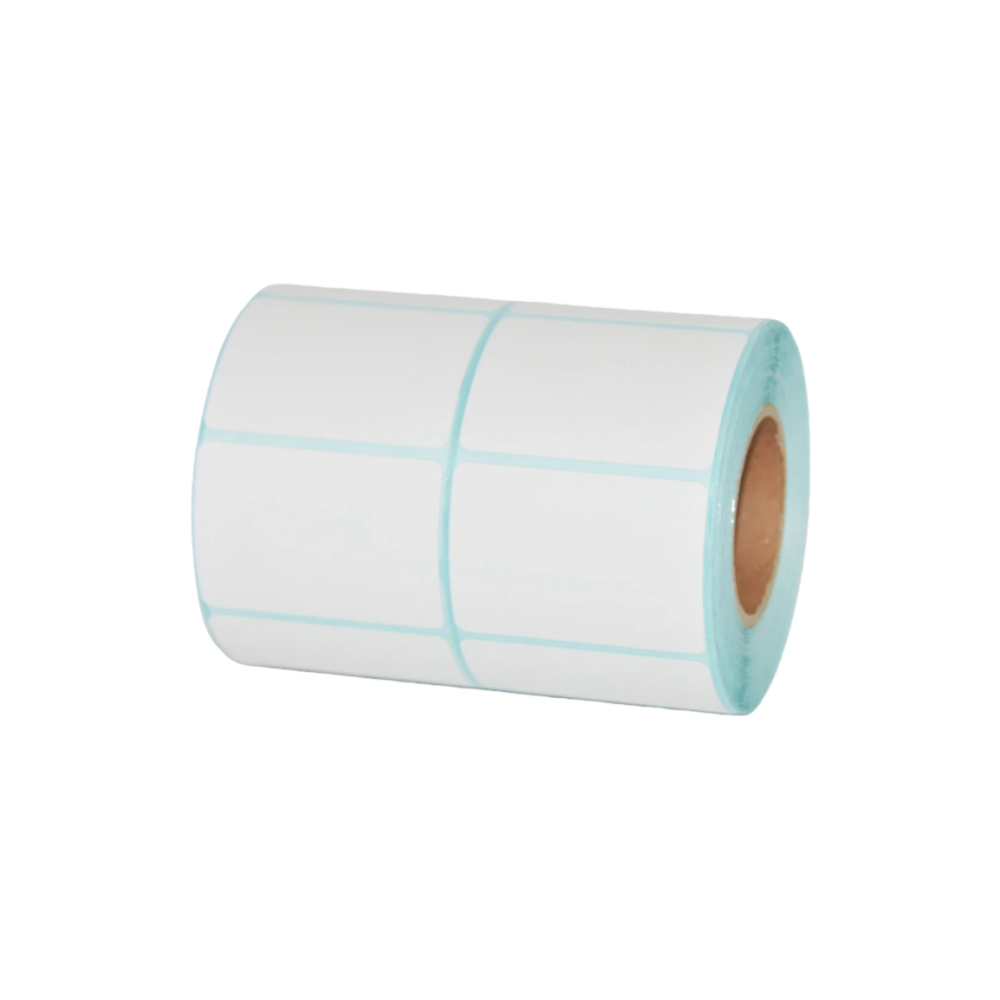
A useful description distinguishes what the material is, where it fits and how it is expected to perform. The self-adhesive label range illustrates why an adjacent thermal-paper category cannot simply be substituted for receipt media: backing, adhesive, sensing and cutting requirements may be different. Shared imaging terminology does not remove those differences.
For a paper thermal printer search, the shortest path to understanding is to identify direct thermal or transfer operation, read the device's approved media limits and then examine the named grade. The continuous thermal-paper range provides product examples, while the equipment documentation defines the machine-side limits. Neither source alone establishes that a specific combination has been tested.
Frequently Asked Questions
Does a Direct Thermal Receipt Printer Need Ink?
It does not need liquid ink, toner or a transfer ribbon for the direct thermal imaging process. It needs compatible heat-responsive media and a correctly configured paper path. A thermal transfer model uses a ribbon, so the equipment's specified method must be checked before deciding which consumables are unnecessary.
Why Can a White Roll Feed Normally but Produce No Image?
The roll may lack the required coating, or the responsive side may face away from the printing head. Incorrect settings or an equipment problem can also be involved. Check the loaded direction and approved media instructions first; normal feeding only confirms part of the system and does not prove that the imaging surface is suitable.
Can a Scratch Test Establish Printer Compatibility?
A dark mark from a suitable scratch test can help identify a heat-responsive surface. It does not verify receipt roll dimensions, feeding behaviour, barcode readability, coating durability or approval for a particular printer. Use it as a preliminary identification aid and follow the actual device and material documentation for compatibility.
Is a Protective Coating a Guarantee Against Every Exposure?
No. A coating claim needs the relevant material identity, exposure conditions and supporting method. Resistance to one influence does not establish resistance to every chemical, temperature or abrasion condition. Thermal media storage and the required useful life of the printed record remain separate considerations even when a protective surface is offered.
Direct thermal printing becomes easier to understand when the image mechanism, physical fit and record environment are kept separate. Heat-responsive paper creates the mark, the roll construction enables reliable movement, and the conditions after printing affect continued readability. A known grade used within documented equipment and handling limits is the sound basis for interpreting any further claim. The complete paper catalogue can help distinguish the available material families without implying that they share one printing method.
 You May Also Like