


 Home
 XBD
 Oct 26,2026

When thermal receipt printer paper feeds but prints poorly, check paper type, loading direction and a printer-generated test before changing settings or rejecting a batch.
A moving roll proves that the feed mechanism can advance paper. It does not prove that the correct surface is facing the printhead, that the material is suitable for the device, or that the transaction application sent printable content. A useful investigation separates these questions and records the result of each change. Otherwise, a new roll and a new setting may appear to solve the issue without revealing its cause.
Start with the printer’s exact model and manufacturer instructions. Loading paths, test procedures and maintenance methods differ. A roll that works in another device is a helpful comparison, but it is not permission to ignore the affected printer’s specified dimensions or media requirements. The objective is a repeatable diagnosis that a store, distributor and supplier can understand in the same way.
Describe The Symptom Before Touching The Roll
Distinguish Blank Output From Uneven Output
Completely blank paper, faint characters and a narrow missing stripe are different observations. Record which one occurs and whether it affects the whole receipt. Retain a sample showing the original symptom, noting the printer identity and the roll’s traceable batch information. Avoid writing on the printed area or exposing the sample to unnecessary heat during the investigation.
For thermal receipt printer paper, a complaint described only as “bad quality” leaves too many possibilities open. A clear description might state that the printer advances normally but produces no visible marks on its own test, or that a transaction prints with a consistently pale section. Such observations narrow the next check without prematurely assigning responsibility.
Record What Changed Immediately Before The Problem
Record the last roll replacement, software change or maintenance action, and whether one device or several locations are affected. Timing is a clue, not proof of cause. Preserve the original settings before starting a controlled comparison.
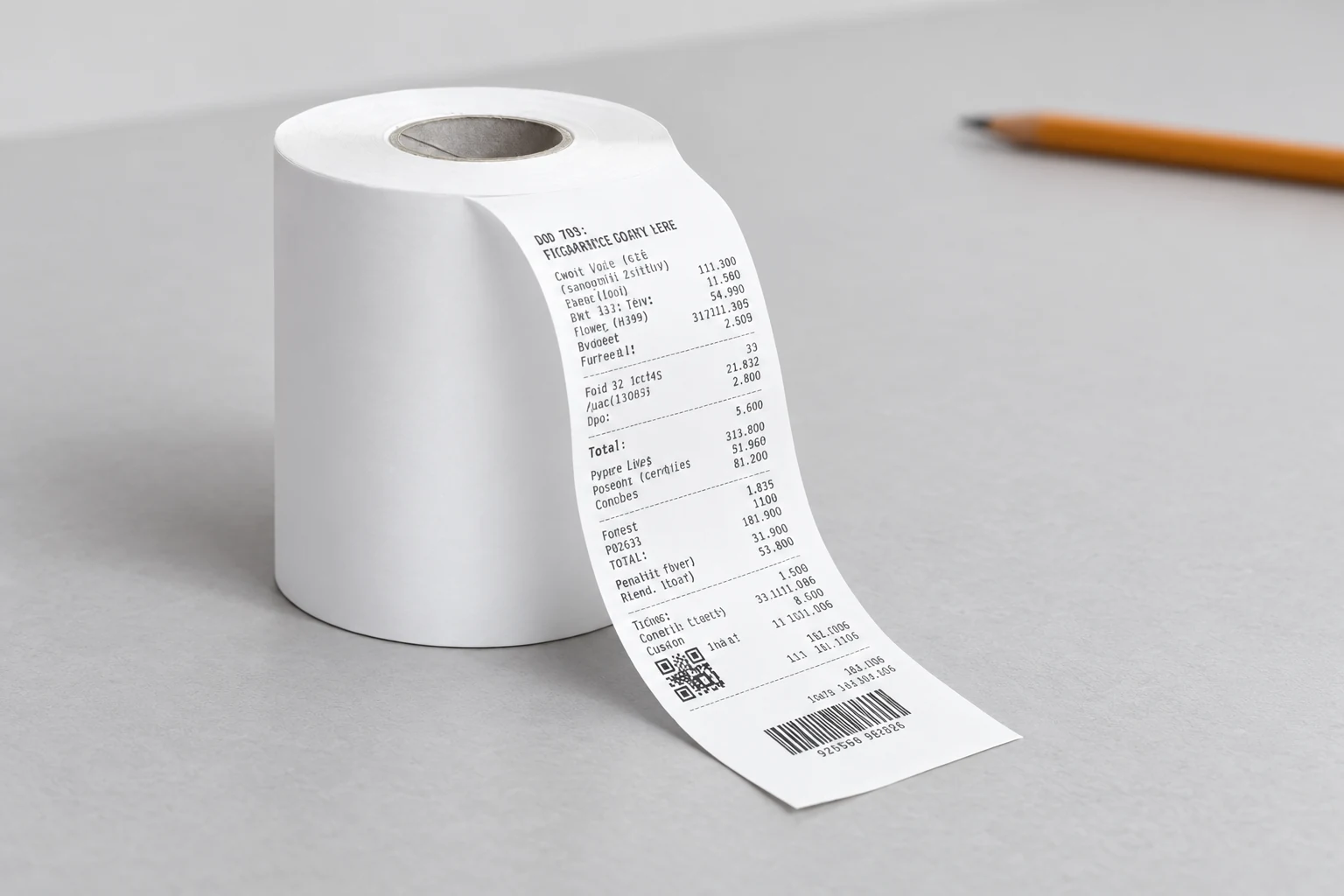
The thermal paper catalogue can help identify the proposed product family, but the final reference is the actual roll specification and the device manual. Photographs cannot reliably establish roll width, outer diameter, core requirements or which winding direction suits a particular printer.
Verify The Material And Its Loading Direction
Find The Active Surface Without Treating It As A Quality Test
Direct thermal media uses a heat-sensitive surface. On a suitable unused offcut, a scratch can sometimes reveal a dark mark and help distinguish that surface from plain paper. Printer-maker troubleshooting guidance uses this as an identification check. It does not measure image life, coating uniformity, chemical composition or suitability for every device.
Once the coated side has been identified, compare its orientation in the printer with the model’s loading diagram. “Face up” is not a universal instruction: the path around the platen and printhead varies. Reinstall the roll as specified, ensure the lid is properly closed and check that the paper exits through the intended route without obstruction.
Do not deliberately apply a heat source to a loaded roll or touch a hot printhead to test the paper. Use the manufacturer’s safe procedure. If the roll is the wrong media type, replace it with a known suitable reference roll before changing the printer’s energy settings. Settings cannot turn an unsuitable substrate into the required direct thermal medium.
Confirm Fit Separately From Surface Orientation
Even when the coated side is correct, the roll must fit the compartment and feed freely. Check the specified width, maximum outer diameter and any core or holder requirements. A near match can create friction or misalignment that a casual visual check misses. Do not force a roll into the holder or remove device guides without an approved procedure.
With thermal receipt printer paper, distinguish the dimensions of the purchased roll from the printable area configured in software. A narrow image on a wider roll is not automatically a paper-width defect. The record should state both the installed media and the configured receipt layout so that later reviewers can see which comparison was made.
Separate The Printer From The Application
Use The Manufacturer’s Built-In Test
A printer self test, performed according to the device instructions, can produce output without relying on the usual transaction application. Preserve that result alongside a transaction receipt. If the built-in output is clear while the application output is blank or incorrectly spaced, investigate the software path and configuration before concluding that the roll is at fault.
The distinction is not absolute proof of a particular software defect. It is a useful way to separate the next investigation. Record the test method, the roll used and the result. Avoid inventing a universal button sequence; even printers in a similar family can have different test and recovery procedures.
If both outputs are poor, continue with the media and device checks. If only one application fails, capture the application version, connection method and relevant layout settings without including customer or payment data. A support request should contain enough technical context to reproduce the symptom while protecting transactional information.

| Observed result | Useful next check | Conclusion to avoid |
|---|---|---|
| Paper advances with no marks | Media type, active surface and loading path | Assuming feed motion proves the paper is correctly installed |
| Built-in test is clear; transaction is not | Application output, layout and connection configuration | Rejecting the entire paper batch from one application result |
| Both tests are faint | Known-good roll, approved settings and maintenance condition | Raising energy repeatedly without a baseline |
| A stripe persists in the same position | Manufacturer-guided printhead and feed-path inspection | Diagnosing damaged hardware from a photograph alone |
| One roll differs from a retained reference | Controlled repeat using traceable samples | Generalising from a single unrecorded swap |
Check Maintenance And Settings In A Controlled Order
Follow The Device’s Cleaning Instructions
Dust or residue can interfere with printing. Follow the printer maker’s maintenance guidance, including power isolation, cooling time and approved cleaning materials. Do not scrape the printhead, introduce excessive liquid or use an improvised abrasive. If access requires servicing beyond normal operator maintenance, refer the device to qualified support.
After approved cleaning, repeat the same test on the same traceable roll before making another change. This gives the maintenance step a meaningful before-and-after comparison. If several actions are performed together, the output may improve but the diagnosis remains uncertain. Record that uncertainty rather than assigning a cause after the fact.
Print density is a device setting, not a universal rating for the roll. If the manufacturer permits adjustment, record the initial value and make only a controlled change within its guidance. Excessively dark output is not evidence of better paper, and a temporary visual improvement should not replace confirmation that the installed media is appropriate.
The supplier’s paper application articles may provide useful background, while device-specific maintenance remains governed by the device manufacturer. Keep these sources separate in the incident notes so that a generic handling suggestion is not mistaken for an approved service procedure.
Run A Comparison That Can Be Repeated
Change One Variable And Label Each Sample
For thermal receipt printer paper, a simple comparison can use the affected printer, a known suitable reference roll and the suspect roll. Keep the test content and permitted settings consistent. Label each output with its media identity and sequence, and retain enough unused material for a repeat. This is more informative than sending an isolated photograph of a pale receipt.
If a second compatible printer is available, a controlled cross-check may help determine whether the symptom follows the roll or the device. Both printers must meet the relevant media requirements. Different models, speeds or settings introduce additional variables, so document them and avoid calling an uncontrolled comparison conclusive.
Set the acceptance criteria before interpreting the results. The criteria should reflect the agreed application and inspection method, including any required readability checks. A camera image cannot establish barcode scan performance, and an attractive print sample does not prove long-term image retention. Those are separate assessments requiring appropriate methods.
Turn The Investigation Into A Clear Supply Decision
A useful outcome may be corrected loading, an application configuration fix, approved maintenance or a product-specific quality review. It need not be a blanket conclusion that the paper or printer is defective. State what was observed, what was changed and what still needs confirmation. If the symptom cannot be reproduced, record that limit rather than closing the case as a proven material failure.
For repeat purchasing, retain the agreed roll specification and the successful reference conditions. Company background from the manufacturer profile can support supplier identification, but acceptance of the delivered rolls should still depend on the purchase specification and appropriate inspection records.
Storage and handling history also belong in the record. Protect rolls according to the supplier’s product-specific instructions and keep suspect stock identified while the issue is assessed. Do not invent a universal shelf-life or climate limit. Different materials and finished configurations can require different evidence, especially when a printed receipt must remain readable for a defined use.

Frequently Asked Questions
Can Plain Paper Feed Through A Thermal Receipt Printer?
Paper may advance mechanically without producing the intended thermal image. Feed motion alone is therefore insufficient. Confirm the media type and loading instructions against the printer’s manual before changing settings or diagnosing a hardware fault.
Does A Dark Scratch Prove The Roll Is Good?
No. It can help identify a heat-sensitive surface on an unused sample. It does not establish durability, chemical properties, coating consistency or compliance with an agreed specification. Those claims require separate evidence and appropriate assessment methods.
Why Keep The Built-In Test And Transaction Receipt Together?
A printer self test helps separate device-generated output from the application path. Keeping both outputs makes that comparison reviewable. A clear built-in result points the next investigation toward software or configuration, but the precise cause still needs to be established.
Should Print Density Be Increased Until The Receipt Looks Dark?
No. Confirm the correct media and loading first, then follow the model’s permitted adjustment procedure. Record the baseline and each change. A darker result can hide an unresolved compatibility or maintenance question and is not a substitute for a controlled comparison.
What Should Accompany A Paper Quality Query?
Provide the exact roll specification, traceable sample identity, printer model, test method and representative output without personal transaction data. The published product information helps identify the supplier’s range; the incident record establishes which specific item and conditions need review.
For a review of thermal receipt printer paper, send the roll specification and controlled comparison record through the technical enquiry page, with unresolved observations clearly marked.
 You May Also Like